Tired of your WooCommerce product grid looking messy because every image is a different size? This plugin fixes it automatically — no Photoshop, no manual work, nothing gets cropped.
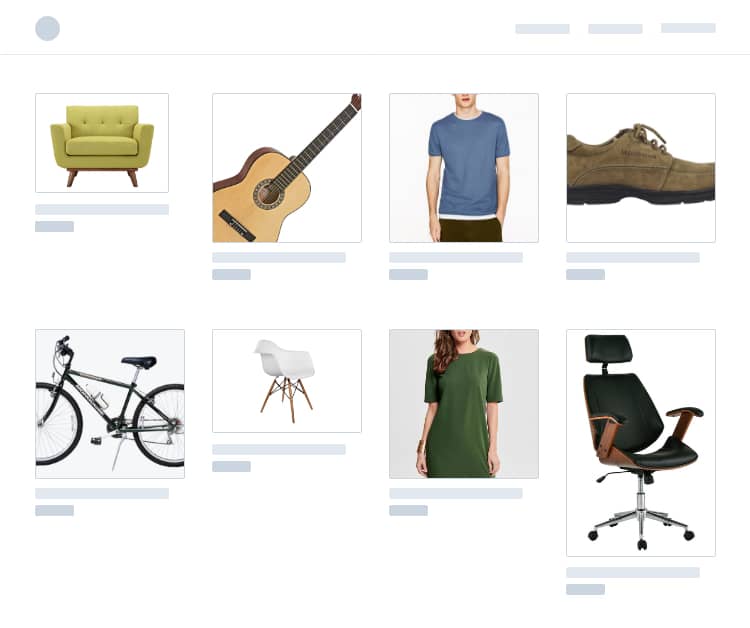
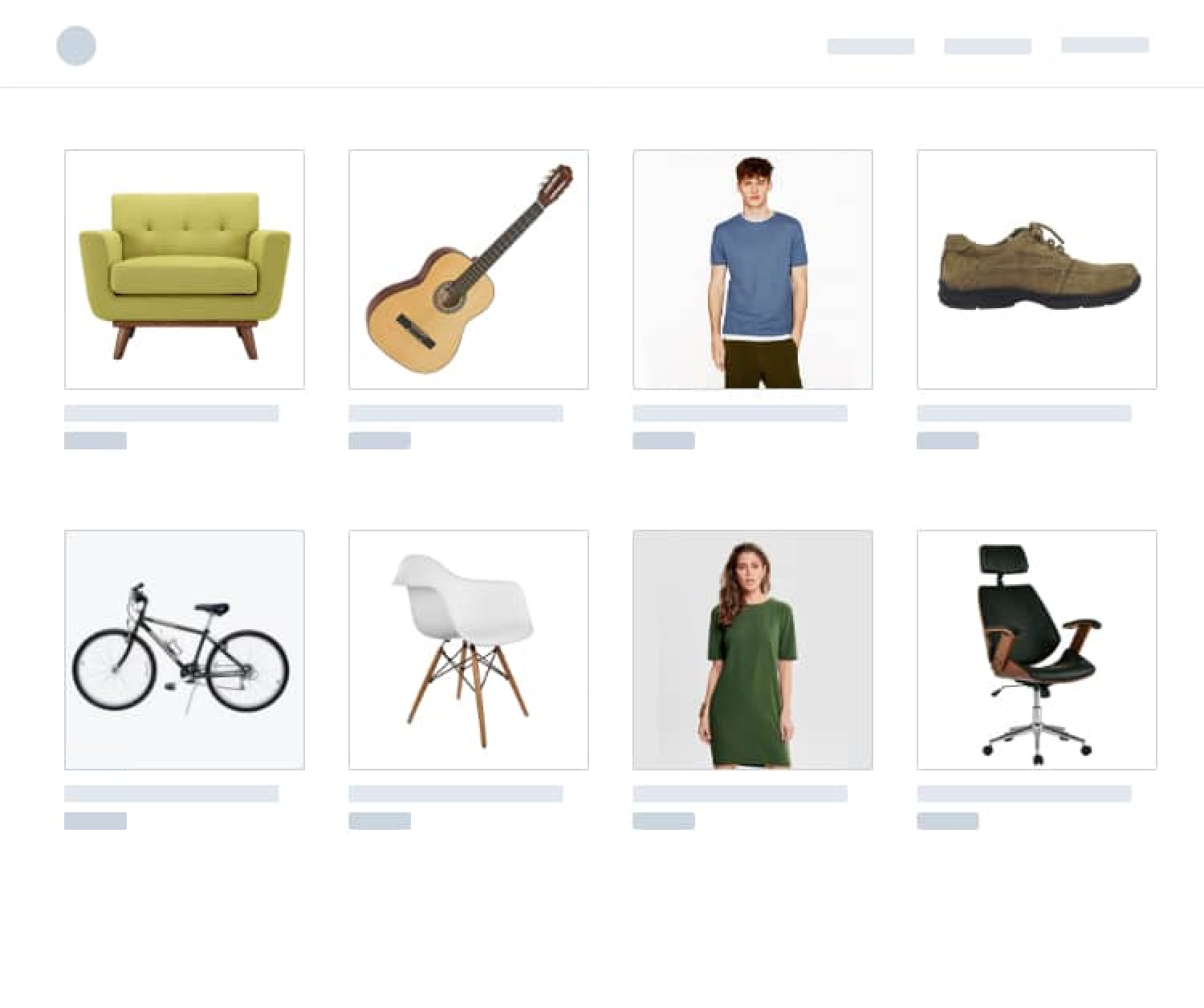
Drag to see the difference
Product images are all different sizes — some tall, some wide, some tiny
Your product grid looks messy and unprofessional
WooCommerce crops your images and cuts off part of the product
You're manually resizing photos in Photoshop or Canva before uploading
You don't have to live with this. It takes 30 seconds to fix. Fix it now →
Three steps. Under five minutes. No technical skills needed.
Like any WordPress plugin. Activate it and it starts working immediately — no settings to configure.
Any size, any shape. The plugin resizes it to match your store's dimensions and adds a clean background. Nothing gets cut off.
Every image comes out the same size. Your product grid looks clean and professional. Every new upload is handled automatically from now on.
Use the built-in bulk tool. One click and it processes your entire existing catalog — no need to re-upload anything.
📦
Suppliers send images in 50 different sizes. The plugin makes them all uniform.
👥
Vendors upload whatever they want. The plugin fixes it behind the scenes.
🏢
One license, every client. Install it across your portfolio and bill clients for the service — no per-site fees, no extra overhead.
🛍️
No Photoshop skills needed. Upload your photos from your phone — the plugin handles the rest.
The free version handles up to 150 images. Pro removes all limits and adds tools to make your images even better.
Every image lands at the exact same size and aspect ratio — a clean, uniform grid across your whole catalog.
Cuts away the empty margins around each photo before resizing, so the product fills the frame properly.
Every product photo gets its background stripped automatically on upload, using your own remove.bg account.
No processing cap. Whether you have 200 products or 20,000 — every image gets processed.
Also included with Pro
Converts PNG to JPG and generates WebP automatically, so pages load faster.
Add your logo to every product image to protect your photos across channels.
Included in both free and pro
Real reviews from WordPress.org
"I downloaded the free version and after 3 minutes I bought the PRO version. The plugin is EXCELLENT! For a year I didn't know what to do with WooCommerce photos, because we have 30,000 imported products with different photos."

prokurent
WordPress.org review"I am so impressed with this plugin. I never bother writing plugin reviews but this plugin blew my mind. Definitely upgrade."

James
WordPress.org review"The time saving benefits are enormous and the plugin support is A+. They have a chat that helps you solve any issues immediately."

Natacha
WordPress.org review"A much needed plugin and very simple to use. Now I can focus more on selling than worrying about how to resize my product images."
"I recommended this to a dev friend the day after I used it. We both ended up getting the Pro version — customers don't care to crop their images on their own."

jpontinen
WordPress.org review"Found this after hours of searching for a similar plugin. Does the job of resizing images on the fly very well."

dheeraj-singh
WordPress.org review"I was in a hurry and didn't want to fire up Photoshop to crop each one individually. This plugin helped me so much."

thewolfgaminginc
WordPress.org review"It worked amazingly and resized all existing pictures to 1:1 ratios at set width and height! Totally worth PRO!"

jollygreen
WordPress.org review"I've searched for a plugin like this for a long time. It works perfectly and does what it promises."

shiftsrl
WordPress.org review"This plugin makes life so much easier. Everything is done in a few clicks and you can relax and enjoy the result."
9skies
WordPress.org reviewNo. Never. The plugin resizes your image to fit the target dimensions and fills any remaining space with a background color (white by default). Your entire product is always visible.
Yes. It works with any WooCommerce theme — Flatsome, Avada, Astra, Divi, OceanWP, and everything else. It processes images at the file level, not the theme level.
No. Run the built-in bulk tool once and it processes all your existing images. New uploads are handled automatically after that.
Yes. The plugin keeps your original images. Use the bulk-restore tool in the Help tab to revert everything back to the way it was.
Two common reasons:
Blurry: Your original image was too small and got stretched. Turn on "Disable Upscaling" in Settings.
Unchanged: You're seeing cached old versions. Clear your browser cache, your caching plugin (WP Rocket, LiteSpeed, etc.), and your CDN if you use one.
No. It only processes WooCommerce product images. Everything else is left alone.
Free processes up to 150 images total — plenty for small stores. Pro removes that limit entirely and adds PNG→JPG conversion, WebP generation, and watermarking.
Your resized images stay as they are — they're real files on your server. In most cases everything continues to look fine. The plugin is lightweight and uses no resources when images aren't being uploaded.

"Smart Image Resize Pro is a must for WooCommerce shops, it makes it easy for our customers to upload new products themselves without having to spend a lot of time resizing. This is especially great when our customers import product catalogs from other vendors."
Benjamin Karlog
Agency founder & developer — slyde.dk
Pick a plan based on how many sites you need. Every plan includes every feature.
Personal
Running one store
Cancel anytime
Business
Managing multiple stores
Cancel anytime
Agency
Working with client stores
Cancel anytime
"We enable Smart Image Resize Pro and voilà — no more support needs for us to help clients with this task. A real time saver."

Juan Manuel Zolezzi
duplika.comHow VAT works
VAT is added at checkout based on your location. Enter your VAT ID and it's removed automatically.
Forgot to enter it? Email us with your VAT ID and we'll refund the difference.
Yes. The Agency plan covers unlimited sites — including every client site you manage. One license, one annual renewal, no per-project fees. Install it, bill your clients for the value it delivers, and keep the difference.
30-day money-back guarantee, no questions asked. Email support@sirplugin.com for a refund.
The plugin keeps working. Your images stay as they are. You just won't receive updates or priority support until you renew.
Log in at paddle.net and cancel from there, or email support@sirplugin.com and we'll do it for you. You'll get a reminder 7 days before each renewal.
VAT is added at checkout based on your location. If you have a valid VAT ID, enter it during checkout and VAT is removed automatically. Forgot? Email us your VAT ID and we'll refund the difference.
Go to sirplugin.com/renew, enter your license key, and complete checkout. Not sure where your key is? Log in to My Account.
More questions? Browse all FAQs or contact support.
Let the plugin do it for you. Every image, every upload, automatically.
30-day money-back guarantee · No risk
New features and tips — straight to your inbox. No spam.
Unsubscribe anytime.
Tools we built to solve real WooCommerce problems.
Give your business customers individual team logins, spending limits and internal order approvals — inside the WooCommerce store you already run.
Countdown timers for WooCommerce. Create real urgency on product pages and increase sales.
Regenerate thumbnails in bulk after changing image sizes or switching themes. One click, runs in the background.
Show, hide, or replace the Add to Cart button based on user role, stock, schedule, or custom rules.